
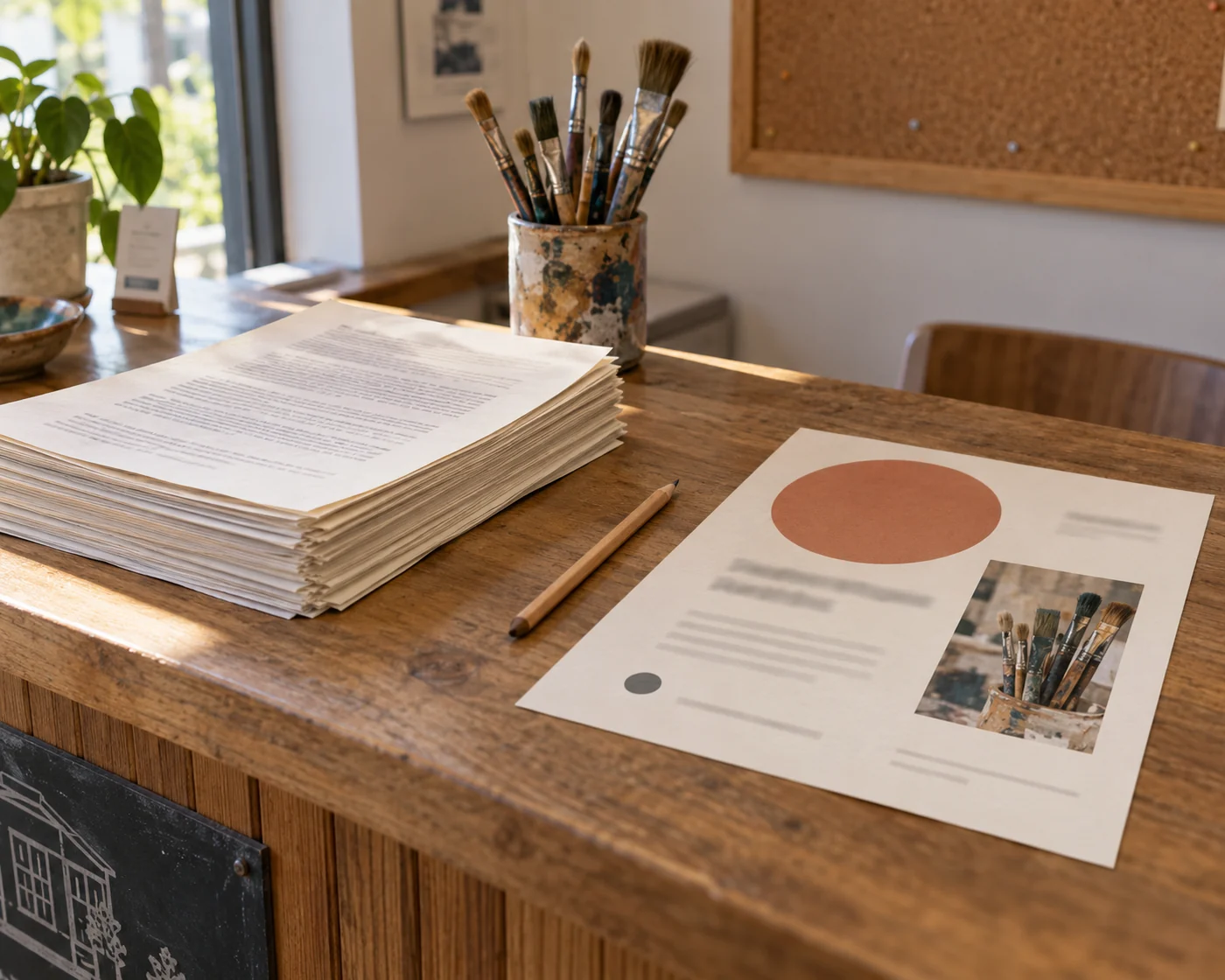
You can start with the document you already have
Adobe describes up to three suggested designs, filled with content from the source and conversation. You can refine one through chat, download it as an image, open it in Adobe Express for further editing, or save it in a PDF Space. The formats include flyers, social posts, newsletters and invitations.
That could spare a tutor, volunteer or small-business owner the hunt for a suitable template and the copy-and-paste work that follows. Adobe's announcement describes the capability; it does not establish how much time a particular person will save. We have not tested the feature for this article.
There is a useful limitation in Adobe's instructions: Acrobat applies one design change at a time. If you put several requests in the same message, Adobe says only the first is applied. Fix the missing booking requirement, inspect the result, then ask for the colour change. Do not assume a fluent acknowledgement means the whole list was handled.
Write the brief around the person reading it
‘Make this look professional’ leaves the assistant choosing what the page is for. A better request names the decision the reader needs to make. For the hypothetical arts centre: ‘Create a one-page flyer so an adult can decide whether to book this workshop. Keep the date, start time, location, booking requirement, age restriction and materials condition visible. Use only information in the document. Flag anything missing rather than filling it in.’
This is a suggested starting brief, not a tested guarantee. The point is to make omission harder to overlook. A correct date and a correct price do not rescue a flyer that leaves out who may attend.
Read the result as if it were the only page someone would see. Could they tell whether the event is for them? Do they know whether to book or simply arrive? Can they find the next step without opening the source PDF? Link to the full details, but keep conditions that change the decision on the flyer itself.
Check the exported image, not only the preview
Adobe's overview says the design is based on the source so names, dates and numbers stay accurate. Its announcement also tells users to review those details before sharing. Treat that review instruction as part of the job, rather than treating source-based generation as a promise that checking is unnecessary.
Compare the final image with the source for names, dates, prices and restrictions. Then open it at the size people will actually receive it. The booking line may exist and still be too small to read in a phone message. If you add a link or contact detail, make sure the recipient can use it in the format you send.
Keep the editable version as well. A last-minute venue change should not require starting again from a flattened image, and correcting the source document does not by itself establish that an already-downloaded flyer has changed.
Check access and document sensitivity before you begin
Adobe's pages are not entirely aligned on access. The step-by-step guide says free and paid users can create designs on desktop and web with the app language set to English, and notes that the Reader desktop rollout is still in progress. The overview names individual and Teams subscribers on Acrobat Studio, Acrobat AI Assistant Plus or Acrobat Express. Check the option in your signed-in account before buying or promising it to a colleague.
The company describes fair-use limits that can change, and reserves the right to introduce generative-credit charges. ‘Free’ in this description is not a commitment to unlimited generation.
Adobe also says the beta uses partner, non-Adobe models. Acrobat notifies you when Express is used, but the request proceeds by default unless you stop it. For a public event notice, that may be straightforward. For a document containing employee information or confidential client details, check your organisation's rules and Adobe's linked terms before using it to generate a design.
A finished flyer should let someone act without another explanation
A sensible first try is a notice with settled facts and a clear audience, not a dense policy whose exceptions are still being argued over. Give the assistant a narrow brief, make corrections separately, and check the actual file you plan to share.
Then let it be finished. You do not need six more versions because generation is easy. If someone can read the page, decide whether it applies to them and take the right next step, the flyer has done its job.