
What Sheets canvas actually does
Google announced Sheets canvas on August 13 as a Gemini-powered, read-write layer inside Google Sheets. You describe the view you want in the Gemini side panel, and it builds an interactive tab over the existing spreadsheet. Google’s examples include a school assignment tracker, a fantasy football dashboard, a wedding seating chart, a Kanban board and a budget model.
The useful part is two-way editing. A task card moved from “doing” to “done” can update its row. A changed due date in the row can move through to the canvas. The new view uses the same sharing settings as the spreadsheet, so it can stay where the group already works instead of becoming another account and link to manage.
Google says no coding or formulas are required to create the canvas, and later prompts can change its layout, design and behavior. That removes a real barrier for the person who can describe the tool but cannot build it.
Access is narrower than the broad launch language may suggest. It is on the web, currently in English, and available to Google AI Pro and Ultra subscribers plus eligible Workspace Business, Enterprise and Education plans. Workspace accounts also need Gemini in Sheets and smart features enabled. Google says creation and editing are subject to per-user usage limits.
A mini-app is still sitting on a spreadsheet
The word “app” can make a spreadsheet sound more settled than it is. Sheets canvas does not replace the source with a new database. Google describes it as a layer on top of the sheet, and the two stay synchronized in real time.
That is excellent when the rows are clean. A volunteer can arrange tables instead of decoding columns. A student can see the week instead of sorting assignments by hand. A small team can move project cards without buying and rebuilding the same list in separate task software.
Bad rows get a better outfit too. Duplicate guests, dates stored as text, inconsistent status names and formulas pointing at the wrong range can all survive underneath a polished view. The launch materials show what can be built, but they do not publish error rates for generated canvases or establish how well complex formulas, validation rules and messy legacy sheets hold up across edits.
A canvas should make the sheet easier to use, not easier to trust blindly. Keep one way to open the source rows and see exactly what changed.
Use it where the shape of the work is the problem
The strongest first job is not “make this spreadsheet impressive.” Pick a sheet where people understand the data but struggle with the layout.
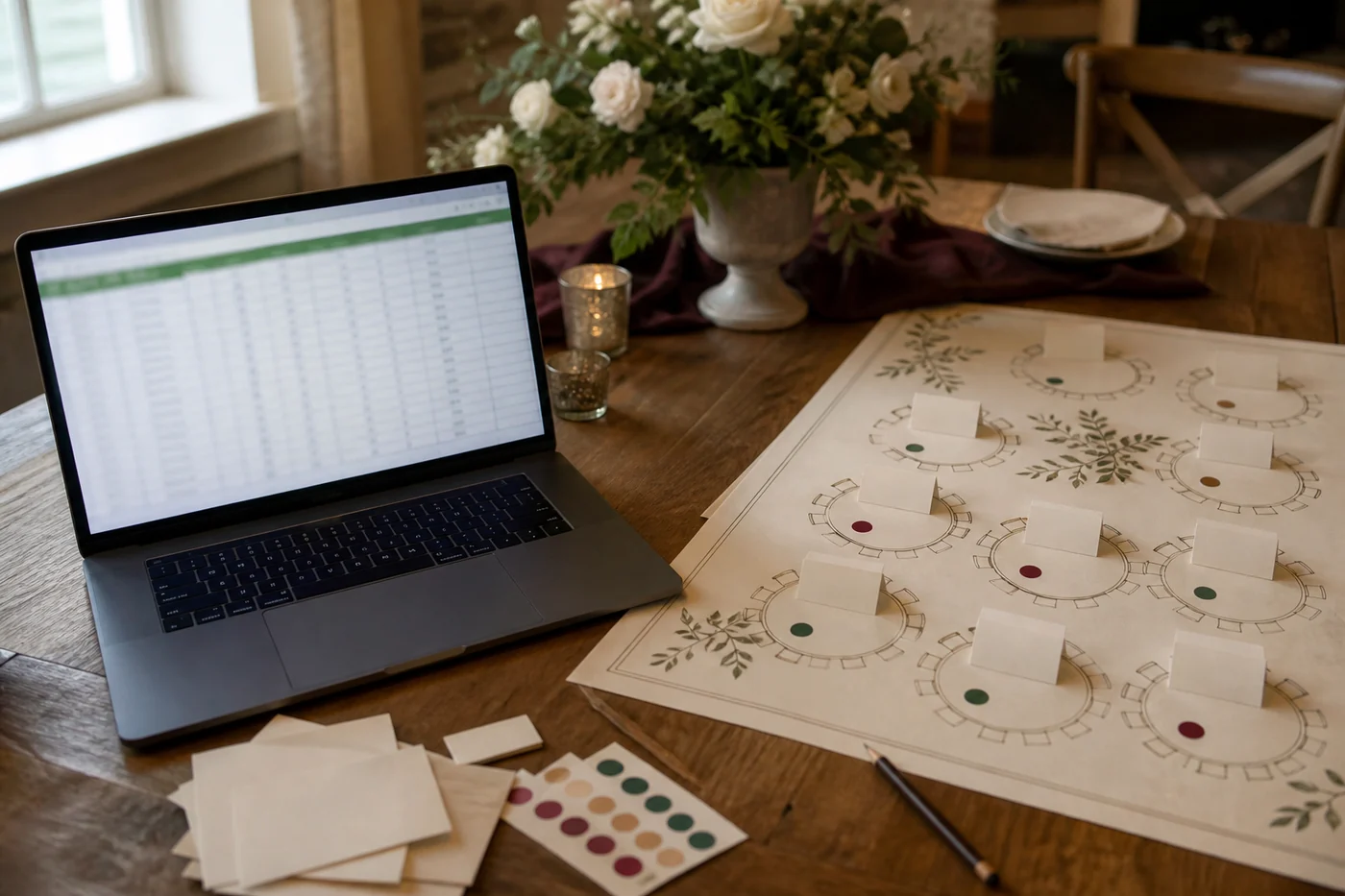
A seating plan is a good example because the spatial problem is obvious. Names, meal choices and family groups belong in rows; tables and empty seats make more sense on a floor plan. A school tracker has the same split: the list is useful for storage, while a week view is better for deciding what to do tonight.
A small project board can work too, especially when the alternative is asking five people to learn another tool. The canvas earns its place if somebody can find an item, make the right edit and leave without opening a tutorial or accidentally damaging a formula.
Avoid starting with payroll, a live financial close, inventory replenishment or any sheet where one silent edit can spend money or create a customer promise. Sheets canvas may eventually fit parts of those jobs. A launch demo is not the place to find out which parts.
Test the boring edit in both directions
Make a copy of the sheet. Choose ten rows that include the annoying cases: a blank field, a long name, a duplicate, an overdue date, a formula result and one item that should not move. Then ask Gemini for the smallest useful view.
Edit from the canvas first. Move one card, change one date or reassign one seat. Open the source and check the exact cells. Then reverse the test: change the source row and confirm the canvas shows the new state. If either direction is ambiguous, do not hand the view to the group yet.
Try the sharing path with the least-privileged person who will use it. The canvas inherits the sheet’s sharing settings, which is convenient, but convenience does not answer whether every collaborator should be able to change every field represented on the screen. The wedding helper arranging chairs may not need to edit contact details or payment status stored elsewhere in the same sheet.
Finally, break the prompt on purpose. Ask for a confusing sort, remove a column the view depends on and undo a move. A useful mini-app should survive an ordinary mistake without turning the source into detective work.
Mina wants a shorter path. Priya wants a clean comparison.
Mina Torres likes that the feature starts inside a tool normal people already use. Her test is blunt: can the person who avoids the spreadsheet move the right thing without learning formulas, and can they tell that moving it changes the shared record? A visual shortcut is useful only if its consequence is plain.
Priya Rao would compare the canvas with the same ten-row task done in the sheet: correct edits, wrong cells changed, time to finish, undo attempts and questions sent to whoever built it. A prettier screen is easy to celebrate. Fewer mistakes and fewer rescue messages are the useful result.
Those views belong together. Mina is protecting the person who never wanted to become a spreadsheet expert. Priya is checking that the simplification did not hide new cleanup for the person who owns the file.
What to try this week
If Sheets canvas is available in your account, open a copy of one low-risk sheet and choose “Create canvas” in the Gemini side panel. Ask for one concrete view: “Turn this assignment list into a weekly board,” or “Make an editable seating plan from the guest and table columns.” Name the columns it may use and the one action the view should make easier.
Do not spend the first hour styling it. Give it to the person who normally struggles with the sheet and watch where they hesitate. Check the source after every test edit. If the view removes explanations and the rows stay right, keep refining it. If it creates a nicer place to make the same mistakes, go back to the sheet and clean the data first.
Sheets canvas is a sensible direction for everyday AI tools. It does not ask people to move their life into a new chatbot before it can help. It takes the ugly, useful file they already have and gives it a shape that may be easier to live with.
Just remember where the truth still lives. The canvas can rearrange the room. The spreadsheet still owns the guest list.