
The second edit is the product
Canva Code 2.0 launched on July 14 across Canva's pricing tiers, including free accounts. VentureBeat reports that generated projects can now sit inside presentations, whiteboards and standalone pages, and that Canva added more than 50 templates for interactive designs.
The release also adds HTML import. A page made in ChatGPT, Claude, Lovable, Bolt or another tool can be brought into Canva and turned into an editable design. That is a quiet admission that generation is becoming cheap. The place where a person can finish the work may be more valuable than the place where the first draft appeared.
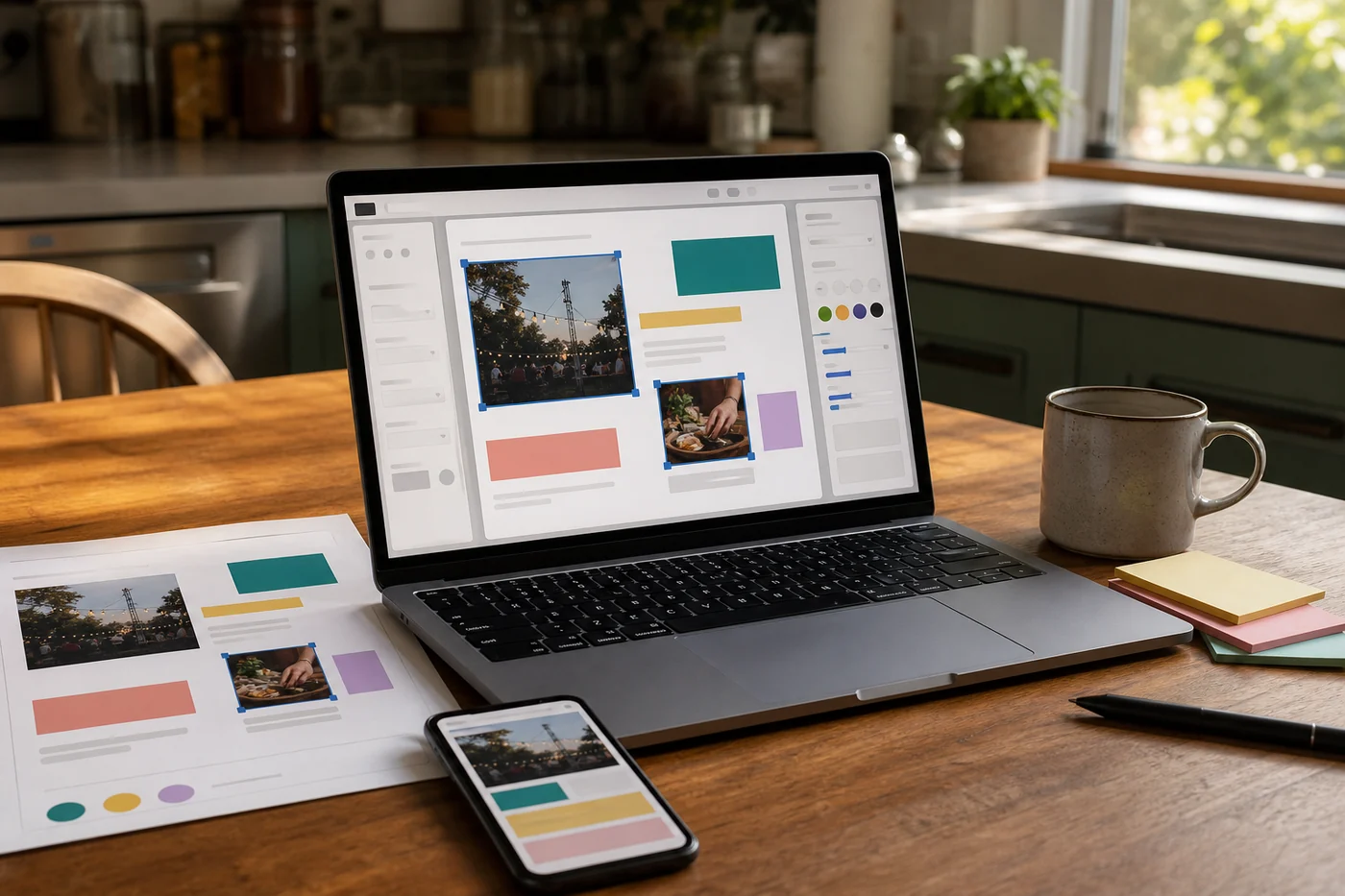
Direct editing is still incomplete. Canva's head of AI products, Danny Wu, told VentureBeat that users can swap photos, edit copy and change styling, but cannot yet freely move every element around; some layout changes still require another prompt. That limit is worth knowing before anyone promises a fully drag-and-drop experience.
This is for the page that has to be useful by Friday
The obvious users are not software teams. They are teachers making a classroom hub, a neighborhood organizer publishing an event page, a consultant adding a calculator to a proposal, or a small shop trying to replace a stale link-in-bio page before the weekend.
Those people usually do not need authentication, a custom database or infrastructure that can handle a giant product launch. They need the date corrected, the right photo in place, the form readable on a phone and the colors to stop looking like a template. A familiar editor can remove more anxiety than a smarter model.
Canva says generation is 75 percent faster and that median time from prompt to publication fell 30 percent. Those are company figures, not an independent benchmark. They also measure getting to publish, not whether the page remains useful a month later. The better personal test is simpler: can you make the first three corrections yourself without restarting or calling someone?
The boundary is refreshingly ordinary
Wu said Canva Code is aimed at front-end experiences at small to medium scale, not websites with complex backends or hundreds of thousands of daily visitors. That excludes plenty of serious software. It also keeps a classroom quiz from being sold as the next banking platform.
For a public page, check the boring pieces before sharing it: test every button, submit the form, open it on a small phone, read the accessibility labels, verify what data gets collected and ask what happens if the Canva account or AI credits run out. If the page takes payments, stores sensitive information or controls a real business process, bring in someone who understands those consequences.
AI tools are useful when they lower the cost of beginning without hiding the cost of finishing. Canva Code 2.0 appears to understand the first half of that sentence better than most. The next test is whether people can still comfortably edit, maintain and move what they made after the novelty wears off.
Two views on what editable really means
Jun Vega would judge the update from the first correction, not the first prompt. If a teacher can click the old date, replace the banner and check the phone view in the same surface, the product has removed a real point of panic. If the fourth correction throws them back into prompt roulette, the visual editor is only a nicer waiting room.
Cass Bell would watch the import feature and the exit. Pulling HTML from every other AI builder is convenient, but a finishing layer can become the place where all the judgment and brand history get stuck. Before investing weeks in a site, export it, open it elsewhere and see what survives.
Those views pull in the right directions. Make small changes easy, and keep the finished work portable enough that convenience does not quietly become dependence.