
What Cloudflare OS actually is
Cloudflare OS is not a replacement for Windows or macOS. It is a browser-based workspace where an employee can give an AI assistant a job, keep the files and conversation state, connect approved company resources, and turn the result into a document, app or repeatable process.
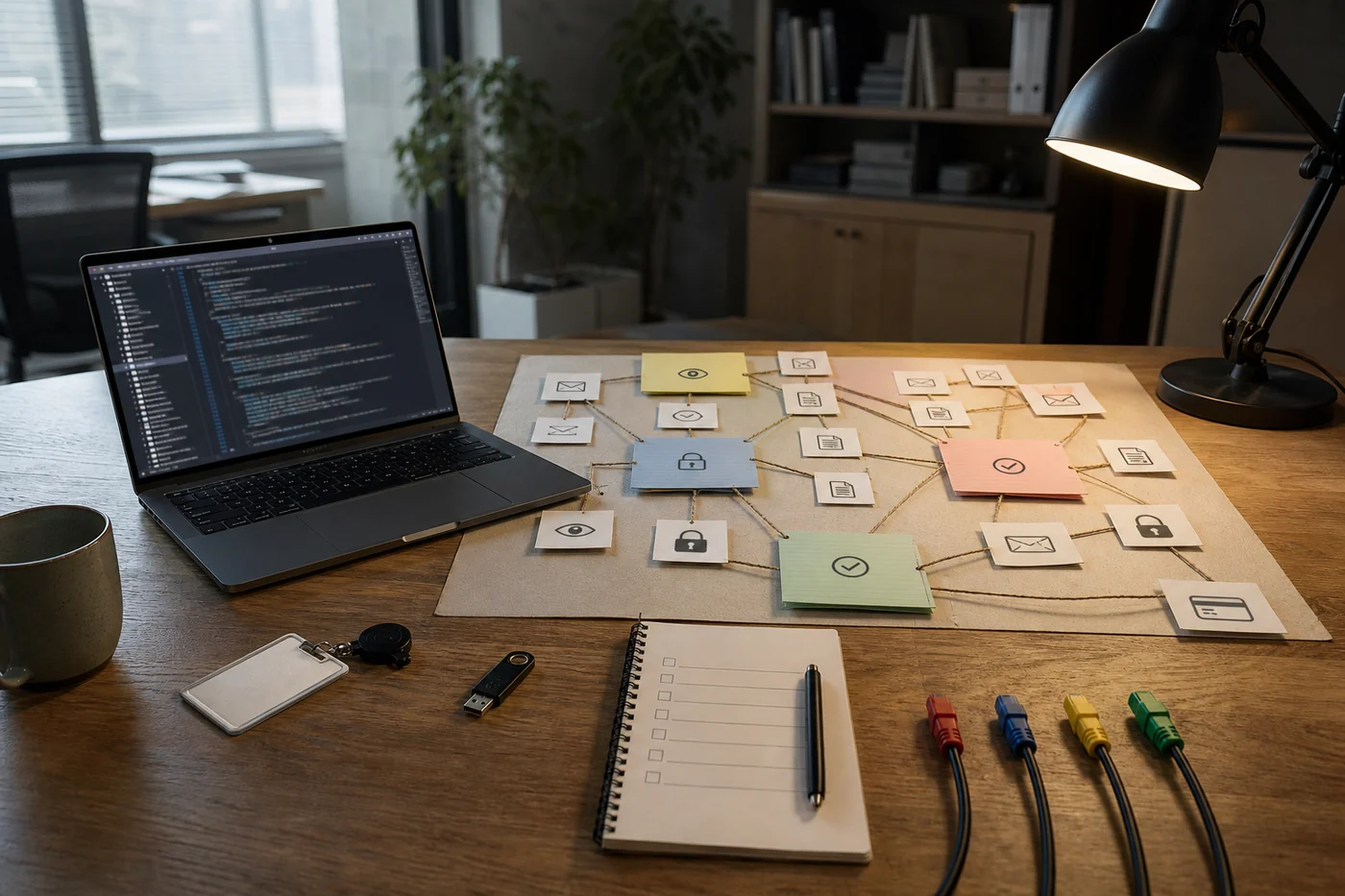
The project has three main ideas. First, each person gets a persistent workspace loaded with company-approved context and reusable instructions. Second, an AI can build small private applications—Cloudflare calls them Gadgets—which can later be shared with teammates or copied as Blueprints. Third, access to external systems runs through service-specific connectors called Gatekeepers.
A sales manager might ask for a renewal brief based on approved account data. A support lead might build a live issue board. A finance analyst might turn a repeated spreadsheet cleanup into a scheduled job. The output is meant to outlive the chat instead of disappearing into another transcript.
Cloudflare says the first version went to its whole workforce in May and that thousands of employees now use it daily. That is Cloudflare’s own report, not an independent adoption study. The public repository is version two, a rewrite based on what the company learned internally.
Open source changes the deal. It does not remove the work.
The Apache 2.0 license matters. A company can inspect the code, change the interface and maintain its own deployment. Cloudflare also routes model calls through AI Gateway, so the workspace is not tied to a single model provider. That is a better starting position than renting a closed assistant whose memory, integrations and pricing can change together.
But ‘open source’ can blur several different promises. Today, the documented quick paths are a local trial or a deployment into your own Cloudflare account. The repository says direct deployment on a company’s own servers through the open-source workerd runtime is coming soon; the tooling and documentation are not ready yet. A managed Cloudflare-dashboard version is also still on the way.
So the current offer is portable source running most naturally on Cloudflare’s platform. That may be a perfectly sensible trade. It is not the same as a production-ready package that an office manager can install on a spare server before lunch.
The sharper question for a buyer is not ‘Can we fork it?’ It is ‘Could someone else on our team operate this fork six months from now?’ Ownership includes upgrades, incident response, model bills, connector maintenance and the person who explains why a permission changed. A license cannot carry that pager.
The difficult file is the one your company has never written
Cloudflare OS arrives with code. It cannot arrive with a correct description of your company.
Someone still has to decide which version of the sales process is real, which documents are current, what a support escalation means, and who may expose each source to an AI. Old instructions have to be retired. Exceptions that live in one employee’s head have to be made visible without turning every odd case into a permanent rule.
The connectors are work too. The repository includes Gatekeepers for services such as GitHub, Google, Slack, Notion, Confluence and Supabase, but many require OAuth credentials and service-specific setup. Internal tools need custom connectors. A permission model that sounds tidy in a diagram can get awkward when one spreadsheet mixes payroll, staffing and project data.
Cloudflare’s launch material makes this point indirectly by offering implementation partners to curate company context, connect internal systems and configure security and cost controls. That is not a flaw in the release. It is an honest clue about where the labor moved.
Gatekeepers are the interesting part—and the part to test hardest
In Cloudflare OS, an agent or app starts with no access. A person introduces a specific resource, and the Gatekeeper holds the credential, limits what can be read or changed, logs activity and asks for approval on side effects. The project also tracks what an agent has observed so a shared output cannot quietly expose a source the next reader was never allowed to see.
The unusual idea is delayed approval. Instead of stopping at the first blocked action, a Gatekeeper can simulate the result so the agent keeps working. The person reviews the queued actions later and approves or rejects them together or one at a time. This tries to avoid the familiar choice between babysitting every click and turning on unsafe auto-approval.
That design deserves a boring test before trust. Reject the first simulated action and see whether the rest of the proposed work still makes sense. Revoke a source after an app has used it. Share the output with someone who lacks access. Confirm that the app fails closed and explains what happened instead of presenting a polished result built on an action that never occurred.
A security diagram is useful. A rejected refund, revoked document and failed share are better evidence.
Noah would try one connection. Priya would measure the month after.
Noah Park likes that the repository can run locally with one command, but he would not start by connecting the company. His first test is one disposable workspace, one read-only source and one output that can be checked by hand. If the assistant cannot turn ten known support issues into a usable board without inventing status or leaking the private note, more connectors will only widen the cleanup.
Priya Rao is less interested in whether the demo deploys. She wants a thirty-day before-and-after on one repeated job: minutes spent re-explaining context, wrong-source corrections, approval time, repairs after rejected actions, and how often the shared instructions were stale. If the AI makes more artifacts but the team still rebuilds the answer in Slack, the workspace has not absorbed the work.
Those positions pull in the same useful direction from different ends. Noah wants a small proof that can fail cheaply. Priya wants the proof to survive ordinary use. Neither would count a successful installation as adoption.
A first-month plan for a small team
Pick one repeated job with a clear finish: prepare a weekly customer-risk brief, reconcile a support queue, or build a project-status page. Do not start with ‘give everyone an AI workspace.’ Start with the Tuesday chore someone can name.
Give one person ownership of the pilot and one other person responsibility for covering it. The second person should not have helped build the setup. If they cannot understand the sources, permissions and result without a tour from the creator, the workspace is still personal scaffolding.
Connect the smallest useful slice of data. One repository, one folder or one queue is better than a company-wide connector with a long deny list. Test read access, one proposed write, rejection, revocation and sharing before adding the next system.
Track the work that should disappear. Count repeated explanations, manual copy-paste, review minutes and corrections for four weeks. Also count maintenance: connector fixes, stale instructions, model spend and support questions. A good result is not more AI activity. It is one old chore that stays gone without moving into someone else’s evening.
Finally, test ownership while the pilot is still small. Export the instructions and outputs. Let the backup owner update a connector. Read the upstream release notes. Open source gives you the right to keep the system; this proves whether your team has the practical ability.
The repo is a beginning, not a rollout
Cloudflare OS is one of the more concrete workplace-AI releases this year because the code, architecture and warnings are public. The repository plainly says early access. The company explains where permissions live, how outputs persist and why organizational context matters. Buyers can inspect more than a launch video.
The release also makes an unfashionable truth hard to ignore. A useful office assistant is made from company decisions: which source is trusted, which action needs a person, which instruction is still true, and who fixes the gap when reality does not match the process map.
Cloudflare has published the software that holds those decisions. Your team still has to make them.
That is the job after clone.