
What Google announced
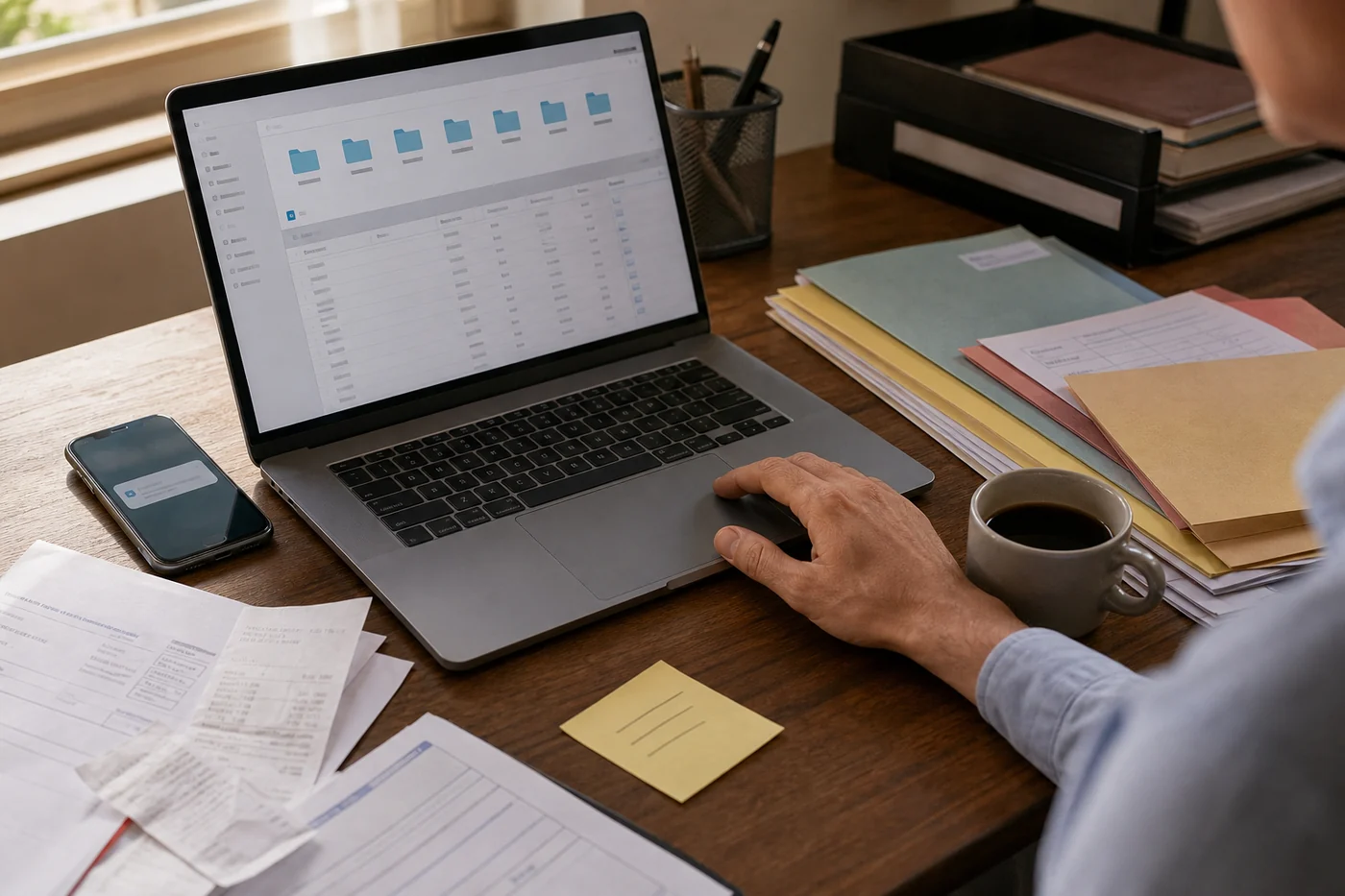
Google announced on June 30 that Gemini Spark is coming to the Gemini macOS app in beta for Google AI Ultra subscribers aged 18 and over in the US. The company says Spark can move beyond chat and automate tasks across desktop files and apps, with examples like sorting PDFs in Downloads or creating a budget spreadsheet from invoices saved on a computer.
Google also says Spark will connect desktop files with Google Workspace, support scheduled updates, and only access files users give it permission to use. A coming remote feature would let someone assign a multi-step task from their phone, have Spark find a sales report on the Mac, pull a revenue number, and email it while the person is away.
The same update expands connected apps: Google Tasks and Keep now join the mix, with Canva, Dropbox, Instacart, OpenTable, and Zillow Rentals rolling out across web and mobile first, then macOS later. Spark is also getting custom MCP support and real-time topic tracking across blogs, news sites, social media, finance, shopping, weather, sports, and email.
The feature sounds small until it reaches the desktop
File sorting is a good first demo because everyone has a messy Downloads folder. It is also a good warning label. A desktop is not one app. It is work papers, personal papers, old screenshots, client files, tax folders, half-written drafts, exported passwords someone should not have exported, and the weird stuff nobody remembers saving.
That does not mean desktop AI assistants are a bad idea. It means the rollout has to start with a visible scope, not a leap of faith. Which folders are in bounds? Can it move files or only suggest moves? Can it email attachments? Can it schedule a recurring task? What happens if the laptop is asleep, offline, or missing the file? Who gets told when the job fails?
For a team, this becomes a support issue fast. The first confused ticket will not say, 'Please explain your agentic architecture.' It will say, 'Gemini moved my invoices,' or 'Which sales report did it email?' The product either gives the answer on the surface, or the team lead becomes the translator.
The permission prompt cannot do all the work
Google's line that Spark only accesses files you give it permission to use matters. But a one-time grant is not enough when the assistant can run a multi-step job, connect to apps, and eventually keep doing scheduled work. People need the permission map to stay visible after setup day.
A better first-run screen would be plain: read-only Downloads, can create a spreadsheet in Drive, cannot send email without approval, can run every Friday until August 1, stops after three failures. Not buried in settings. Not expressed as a wall of OAuth scopes. A person should be able to glance at the task and know the blast radius.
This is where desktop AI will either feel calm or invasive. The calm version says, 'I can use these folders for this job and I will ask before sending.' The invasive version says, 'Trust me, I have permission.' Most users will not parse the difference until something moves.
Connected apps make the handoff more valuable and more fragile
The connected-app list shows where this category is heading. Keep notes become Tasks. Dropbox files become shareable outputs. OpenTable, Instacart, Zillow Rentals, and Canva turn an assistant from answer machine into errand runner. That is closer to the AI assistant people actually want: less copying between tabs, fewer small chores, fewer reminders sitting in your head.
But every connected app adds a handoff. A grocery order has substitutions. A reservation has cancellation rules. A rental tour has a contact path. A flyer has brand or client review. The assistant saves time only if the handoff comes back with the decision points a person still owns.
For small teams and busy households, the useful question is not 'can an AI agent do this?' It is 'what part of this repeated chore can I safely stop doing, and what check still belongs to me?' That is the search-intent lane normal readers care about when they ask whether AI assistants are actually useful.
Two useful disagreements
Jun Vega would focus on the first screen. If Spark opens with a blank command box and a permission modal, many people will freeze or over-grant access just to get past setup. Jun's version would show three concrete starter jobs with boundaries already visible: organize a folder, make a draft spreadsheet, watch a topic. Each one would say read, change, send, or ask before the user presses run.
Mara Vale would be less worried about the first successful run than the quiet later one. Scheduled desktop tasks and phone-triggered work create a strange trust gap: the user is not looking when the assistant decides it found the right file. Mara would want an obvious skipped/uncertain state, not a confident email with the wrong attachment.
My own test is boring and buyer-shaped: after one week, can the team lead explain what Spark touched without becoming the help desk? If the answer is yes, this can remove real admin drag. If the answer is no, the assistant did not save time. It moved the uncertainty to the next person.