
One screen is useful when it ends the hunt
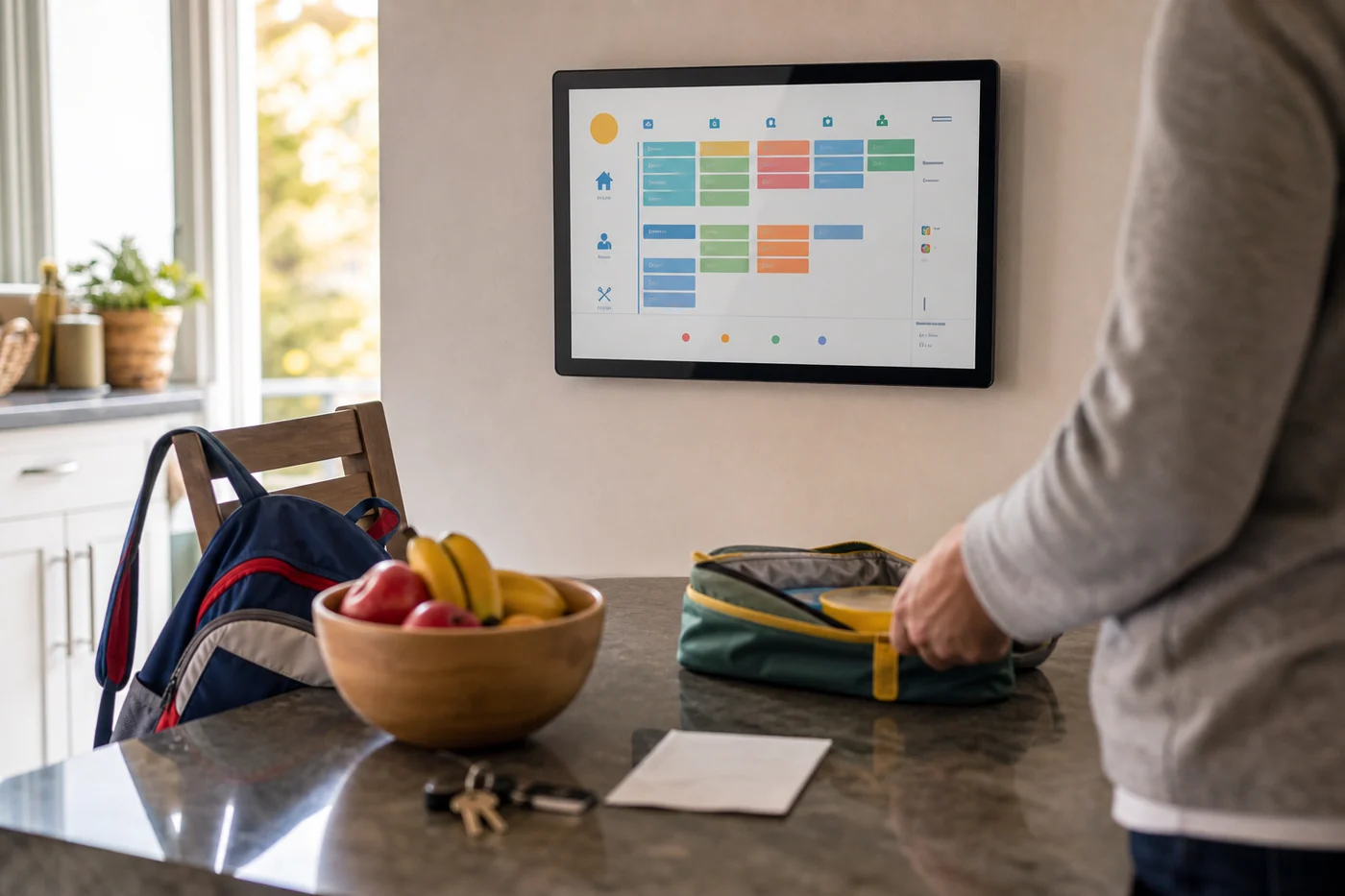
The practical appeal is straightforward. People use different calendars, and a shared screen in the kitchen can make the day visible without asking everyone to open the same app. Linkdaze sells 10.1-inch and 15.6-inch versions; TechCrunch says it also includes chores, rewards, meal planning and shopping lists alongside the calendar.
But a household display should answer a question quickly: what changed, and does anyone need to do something? A row of colors is not enough when the soccer practice moved, the dentist appointment is still on, and dinner is being planned from a menu that may be out of date. The useful surface is closer to a clean handoff than a dashboard: changed since yesterday, confirmed by someone, and waiting for a decision.
A photo is not permission to make a plan
Snap-to-Sync is the feature that makes the category feel more like an AI assistant than a large calendar. TechCrunch says a user can photograph a recipe or school lunch menu and have Linkdaze turn it into a digital meal plan and a shopping list. That can remove some typing. It can also create a very plausible wrong plan.
The safer interaction is small: show the captured items, mark the plan as proposed, and ask one person to confirm before it becomes a grocery task or a family reminder. If the photo says pasta on Wednesday but a child has an event, the display should not make the household discover the mismatch at the store. It should leave a visible question where the decision belongs.
Do not trade calendar chaos for a new inbox
The failure mode for AI household tools is familiar. They collect calendars, emails, lists and photos, then create a stream of alerts that one organized person has to review. The tool looks busy; the mental load stays put.
A better first-week test is deliberately boring. Add one school lunch menu, one calendar conflict and one chore that should stop repeating. Then check whether the screen makes the next action clearer for everyone in the home. If it only creates more colored blocks, suggestions and notifications, it has digitized the fridge door rather than made the week easier.
What to look for before you put one on the wall
Check which calendars really sync, which person can edit a shared event, and whether a proposed meal or shopping item is clearly different from a confirmed one. Look for an easy way to correct a bad scan, dismiss a stale suggestion and see the source of a change. Those details matter more than whether the device can generate another meal idea.
The value of a shared AI assistant is not a prettier schedule. It is getting one small piece of coordination out of everyone’s head without asking one person to become the household’s full-time reviewer.