
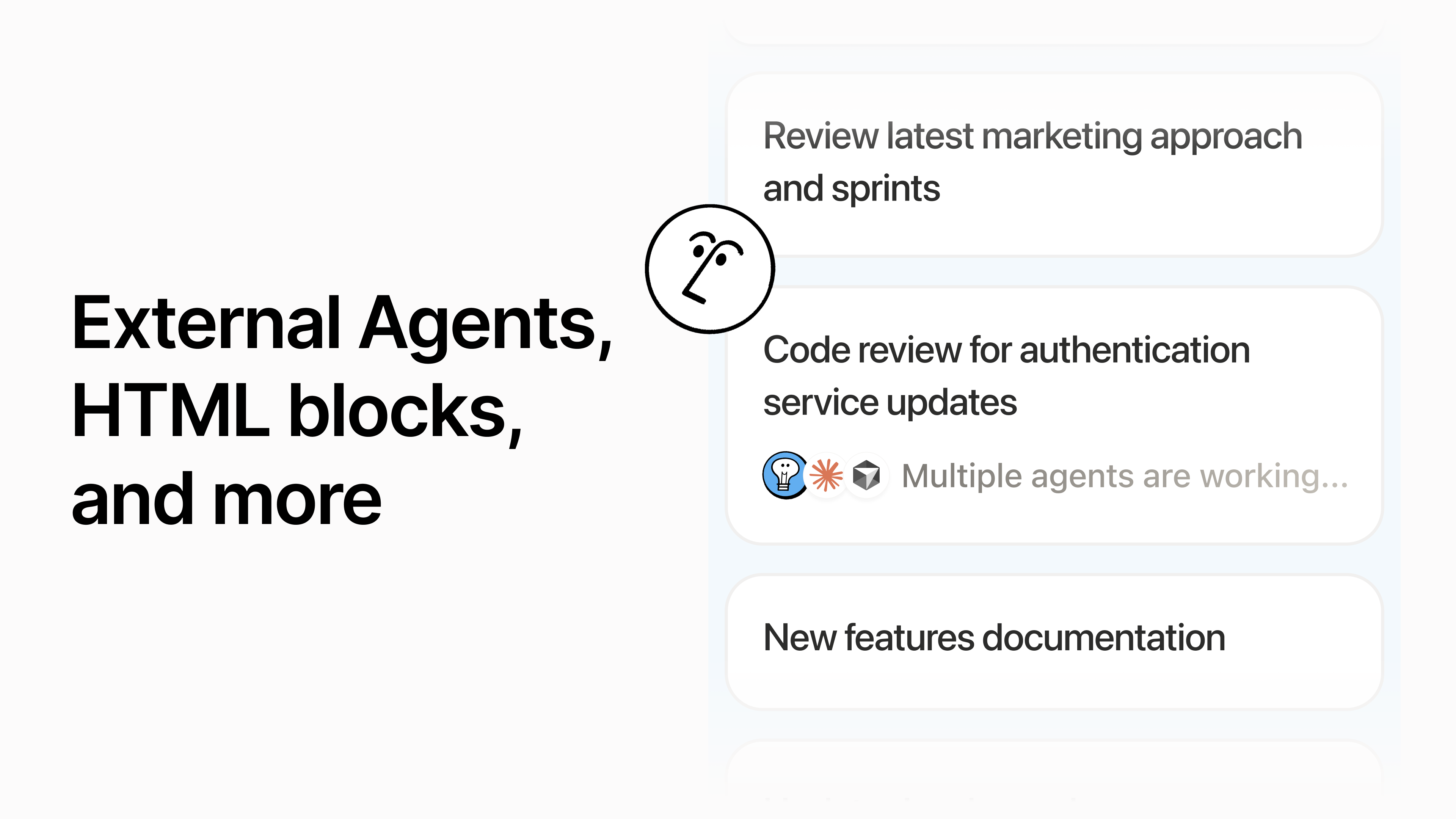
What changed
Notion 3.6 adds External Agents, starting with Claude and Cursor. The pitch is simple: instead of keeping agents trapped in CLIs, IDEs, and separate apps, teams can assign them work from a shared Notion surface, @-mention them, and watch them run alongside the rest of the project.
Cursor’s own write-up fills in the engineering version. Notion used the Cursor SDK so a Notion thread becomes a Cursor agent and each message in that thread becomes a run. The first message creates the agent with the prompt, repository, model, MCP servers, and automatic PR creation enabled; follow-ups start new runs and stream progress back to the user.
Atlassian is moving in the same direction from Jira. Its July 1 Rovo MCP update says coding agents are now making more than 5 million tool calls per day through the Atlassian MCP server, with writes making up nearly a third of those calls. The new capabilities let agents create work items, edit comments, read linked branches and pull requests, and connect discovery work to delivery tickets.
The search term is boring. The shift is not.
People searching for “AI agents in Notion” or “AI agents for Jira” are usually not asking for a theory of autonomy. They want to know whether this saves the hour they lose moving context between a doc, an issue, a code review, and a status update.
That is why the shared surface matters. A coding agent that runs from a task row can post its plan where the team already looks. It can link the pull request back to the spec. It can leave a progress comment in the same place a human teammate would. The handoff is not perfect, but it is at least in the room.
The physical-world version: this is closer to robotics than it first sounds. A robot arm is only tolerable on a shop floor if people can see what it is doing, what it is allowed to touch, and why it stopped. Software agents need the same kind of visible work zone. The shared workspace becomes the painted line on the floor.
The danger is turning every board into a busy little control room
There is a weak version of this future where every page becomes noisy. Agents comment too much. They ask for approval on every low-risk step. They scatter partial work across tasks, docs, chat, and pull requests. The team gets more visibility and somehow less calm.
The better version is narrower. Use the workspace to show the few facts that change the next human decision: what the agent tried, what changed, what it could not access, what still needs review, and where the final artifact lives. Nobody needs a minute-by-minute diary from a bot that sorted a backlog or drafted a patch.
Atlassian’s numbers are a useful warning here. If nearly a third of MCP tool calls are already writes, these systems are past the “read-only helper” phase for at least some teams. Once agents can create issues, edit comments, move statuses, and open pull requests, the product question becomes consequence design, not just integration coverage.
Two ways to judge it before buying the hype
First, ask where the work comes back. If an agent starts in Notion but the real answer lands in a separate inbox, a disconnected PR, and a chat thread, the shared surface is mostly theater. The value is the clean return path: task, plan, result, review state, next owner.
Second, ask what disappears. A good agent workflow should remove at least one repeated handoff: the status update, the ticket-copying chore, the “can someone summarize this PR?” ping, the meeting follow-up nobody wants to write. If nothing disappears, the agent may have added a new lane to watch.
For small teams, this is the real bar. Not “can AI agents automate an end-to-end workflow?” but “can I stop re-explaining the same task across four tools?” The second question is less glamorous. It is also where the time comes back.
Two useful disagreements
Jun Vega would worry about the first run. If the setup screen asks a normal teammate to choose models, repos, MCP servers, skills, and triggers before they understand the task, adoption will stall. Jun would start with three visible jobs: review this spec, turn this doc into tasks, or build this ticket. Each should show what the agent can read, what it can change, and where the result will appear.
Cass Bell would ask whether the agent actually made the team quieter. A bot that posts eight progress comments and creates three new follow-up tickets may look productive while making everyone monitor another feed. Cass’s test is blunt: did one meeting, ping, or manual status pass disappear? If not, the automation mostly learned to perform busyness.
My own test is physical: can someone who was not in the original prompt walk up to the board and understand the state of the work? If yes, this category gets interesting. If no, the agent did a trick in a private room and left the cleanup to people.