
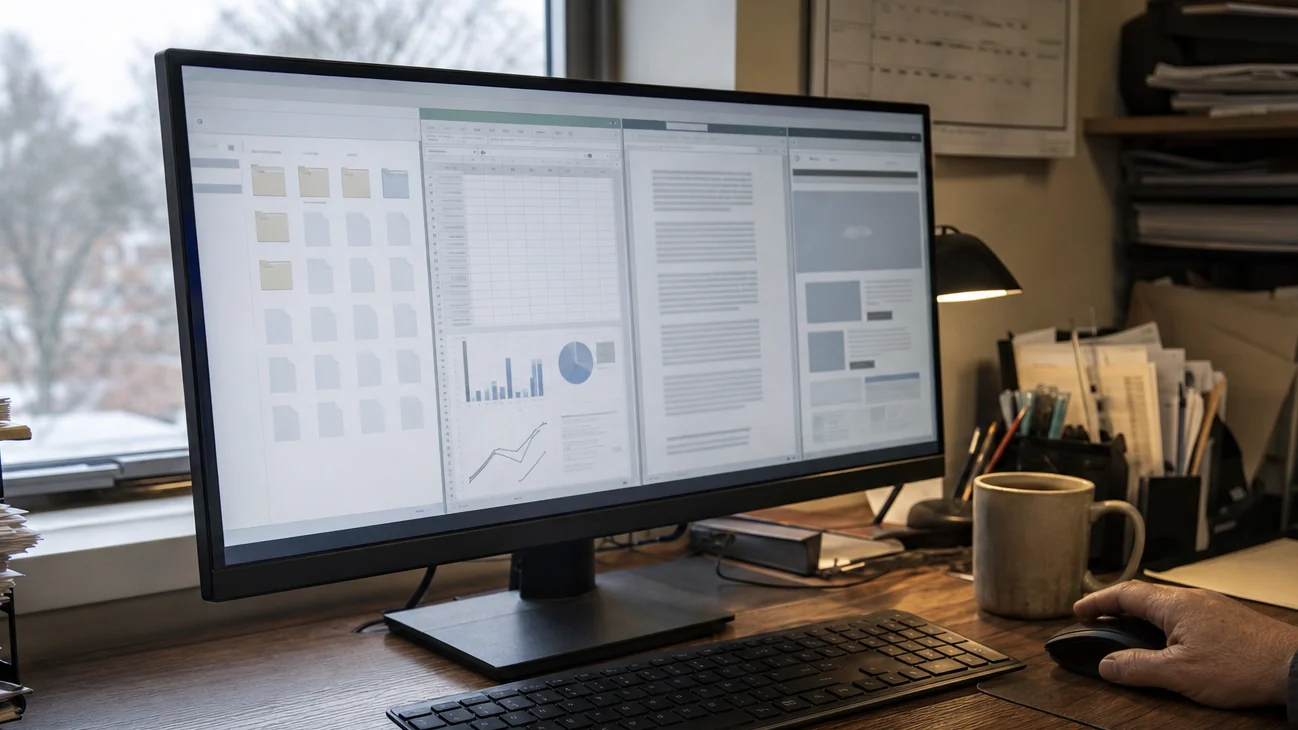
What Perplexity Personal Computer for Windows does
Perplexity’s own description is concrete. You can point Personal Computer at an approved folder and let it open, read, and edit the files inside. It can work across Microsoft Office apps, use the Comet browser for web tasks, and start a job from another device that finishes on the Windows PC.
The company gives examples that sound like ordinary office friction rather than science fiction: update a lender deck from figures in an Excel model, refresh a sales proposal while someone is away from the desk, compare a local Word document with current web research, or sort a messy Downloads folder into a clearer structure.
Perplexity says the product alerts people before sensitive actions such as sending email or deleting files. Its product page also lists approved-folder access, per-user permissions, and activity logs for IT. Those controls matter because a useful desktop assistant needs enough access to cross the exact boundaries that make desktop work annoying.
One detail is worth stating plainly: the Windows app runs on the machine and can act on local files, but Perplexity also describes a multi-model system using more than 20 frontier models. Do not read ‘on your Windows computer’ as a promise that every model or every piece of processing stays offline.
Why local files change the usefulness of an AI assistant
Most AI assistants still make the user perform the last mile. Upload the spreadsheet. Paste the email. Download the revised file. Put it back in the right folder. Open Outlook and send it. The answer may be fast while the handoff remains yours.
A desktop assistant can remove that shuffling. A recruiter could compare notes from a browser, update the candidate summary, and draft the follow-up without rebuilding context in three separate windows. A shop owner could match downloaded invoices to a local spreadsheet and leave the exceptions for review. A sales rep could update the deck on the office PC from a phone.
That is the real appeal of an AI assistant for Windows: not a cleverer conversation, but fewer tiny transfers between the places where the work already exists.
It also raises the stakes. A chat answer can be ignored. A renamed folder, changed formula, overwritten document, or sent email becomes part of the record. The product has to make changes easier to inspect than doing the task by hand, or the saved clicking comes back as detective work.
The first test should be one copied folder
Do not start with your whole Documents directory. Make a copy of one ugly, low-stakes folder: last month’s supplier invoices, a finished event project, or a set of downloaded reports. Leave the originals alone.
Give the assistant a result you can judge. Ask it to group the files by project, identify likely duplicates, standardize names, and produce a short list of anything it could not place. Tell it not to delete or send anything. Then inspect the folder without reading the chat first.
Can you find a file faster? Are the names understandable? Did two near-duplicates stay separate when they should? Did the assistant preserve dates, formulas, links, and file types? Is the uncertain pile small and honestly labeled? Those questions reveal more than a polished research brief because the work has to survive outside the conversation.
If the folder is calmer, move to a task that crosses one more boundary: compare a local report with current web sources, then save a new version beside the original. Only after that should you consider email, recurring jobs, or unattended work. Access should grow after the results get boring, not before.
Mara worries about permission. Ivy worries about the new support queue.
Mara Vale draws a line between access and intent. Approving a folder tells the assistant where it may look. It does not tell it which draft is authoritative, whether an old export can be deleted, or whether a spreadsheet feeds another file. Her test is simple: if the assistant cannot explain why this file and why this change before the risky step, the permission screen did less work than it appears to.
Ivy Chen is less worried about the first demo than the Monday after rollout. A manager who buys a premium tool should name the chore that is supposed to disappear and the person who handles a bad result. If every employee keeps a private backup folder, checks every edit, and asks IT what happened, the company bought a new support queue instead of removing an old task.
Both views point to the same adoption rule. Folder access and alert boxes are the floor. The useful experience is a clean before-and-after result, a small uncertain pile, and an obvious way to undo the change without reconstructing what the assistant did.
What to check before paying for it
Availability and price narrow the audience. The Verge says Personal Computer for Windows is rolling out to Max and Enterprise Max users. Perplexity’s official Windows page still presents a waitlist and says those tiers receive it first, so access may not reach every eligible account at once. Individual Max costs $200 per month according to Perplexity’s help center.
At that price, ‘it can use my computer’ is not enough. Pick one repeated task and write down the current time, number of file transfers, and number of checks. Run the copied-folder test three times with different real piles. Count wrong moves and interventions, not just successful output.
Also check the boring boundaries: which folders and apps are approved, where created files land, whether a changed document gets a new version, what requires confirmation, what the activity log actually shows, and whether remote jobs stop cleanly when the PC is offline or asleep.
The launch matters because Windows is where a huge amount of ordinary work still gets stuck between desktop files and online systems. Perplexity is trying to close that gap. Whether the assistant gives people time back will be decided in places like the Downloads folder—where ‘helpful’ has to mean the file you need is easier to find tomorrow, and nothing important quietly moved out of sight.